
Routes you can edit.
Switch Smart or Global mode. Add website rules for direct or proxy access; custom rules apply only in Smart mode.
01 / CONTROL THAT FEELS NATURALLess friction. More freedom.
A native network client for iPhone. Make every connection feel effortless.
iOS 17.0 or later · App Store release in preparation
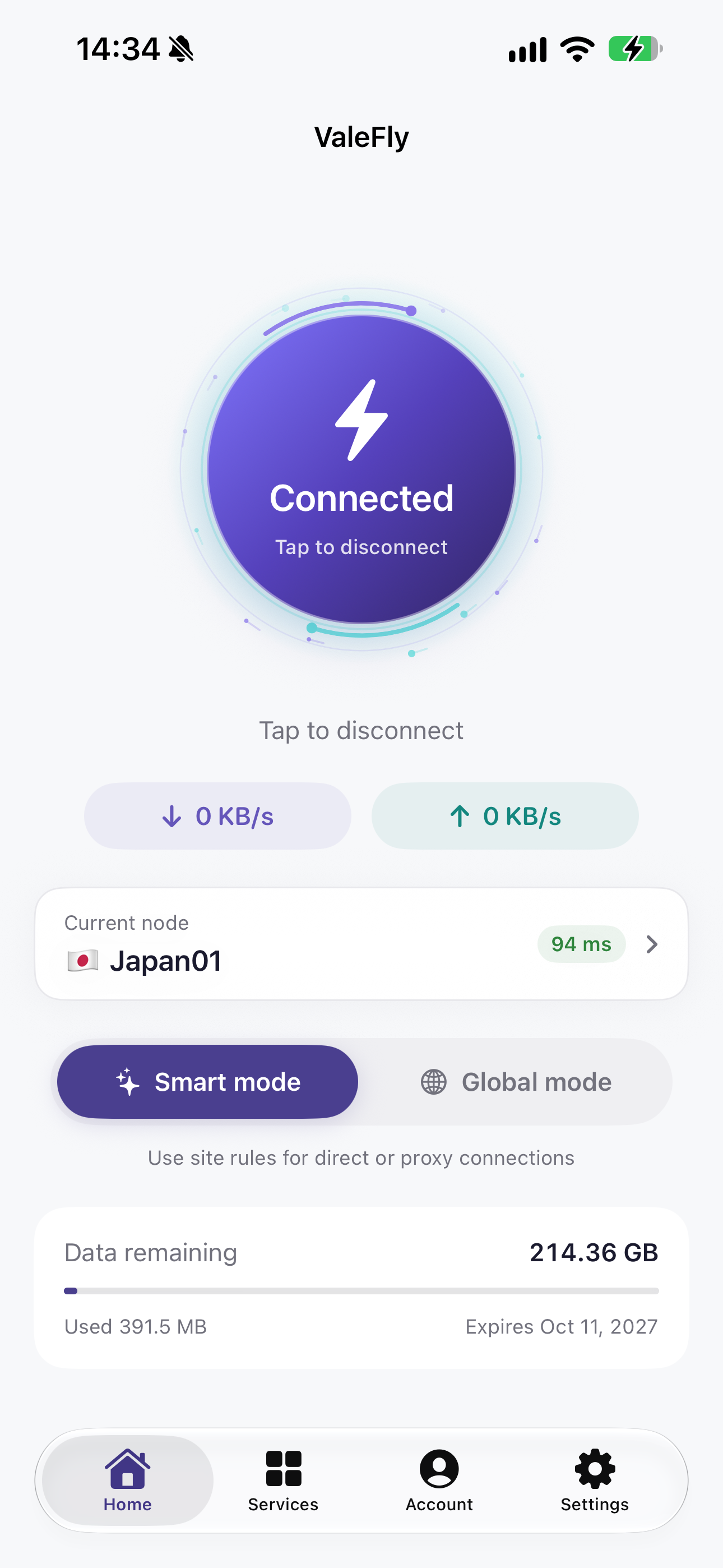
Let ValeFly handle the connection. Keep your focus on what matters.
Switch Smart or Global mode. Add website rules for direct or proxy access; custom rules apply only in Smart mode.
01 / CONTROL THAT FEELS NATURALSee live speeds and estimated direct, proxy and service usage for this connection. Turn on local budget reminders if you need them. These estimates are not your bill.
Test latency without connecting VPN. Keep favorites, revisit recent nodes and sort the list to find your route.
While connected, check AI and streaming services via your node. See status, region and time beside site results. Checks include no membership or content access guarantee.
04 / MADE FOR EVERY DAYProtocol and node availability depend on your service site and configuration. Nine app languages. Follow your system or choose your own.
What stays on your device. What makes a connection work. Every use of your data deserves a clear explanation.
Read our privacy policySign-in tokens use the device Keychain; account and node caches are encrypted locally.
Account information supports sign-in and node access. Live speeds are calculated locally.
Disconnect, sign out, and find out how to request account and data deletion.
Enter the three-digit code from your service provider.
Use your existing site account to load available nodes.
Allow iOS to add a VPN configuration and connect.